Managing CDs and DVDs may not be as popular as it used to be, with newer storage devices becoming a better choice. However, people who deal with DVD ripping a lot will be thrilled to find out that a great tool for the purpose does exist.
Getting started
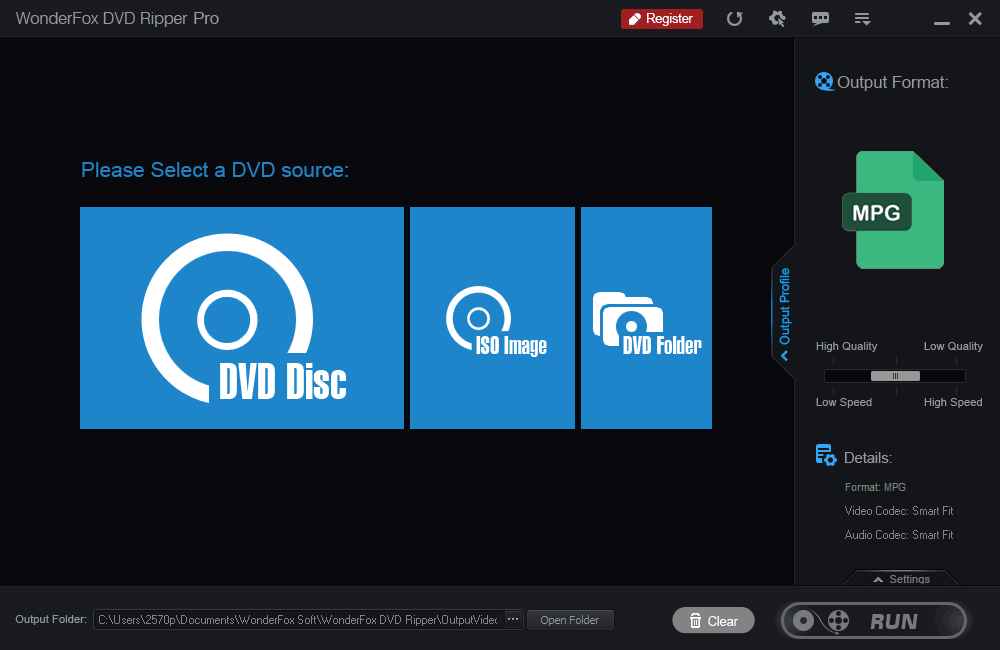
WonderFox DVD Ripper Pro is a DVD ripping software available for almost all versions of Windows. It offers a free trial, alongside paid tiers that include a one-time lifetime license for a single PC and a family license for multiple computers, with final costs depending on the chosen plan. The installation is fairly simple and the software opens up in no time. The first impression is a strong one with a modern black and blue design. It's fairly easy to navigate around, and you can rip your first DVD in just three mouse clicks.Output formats and device profiles
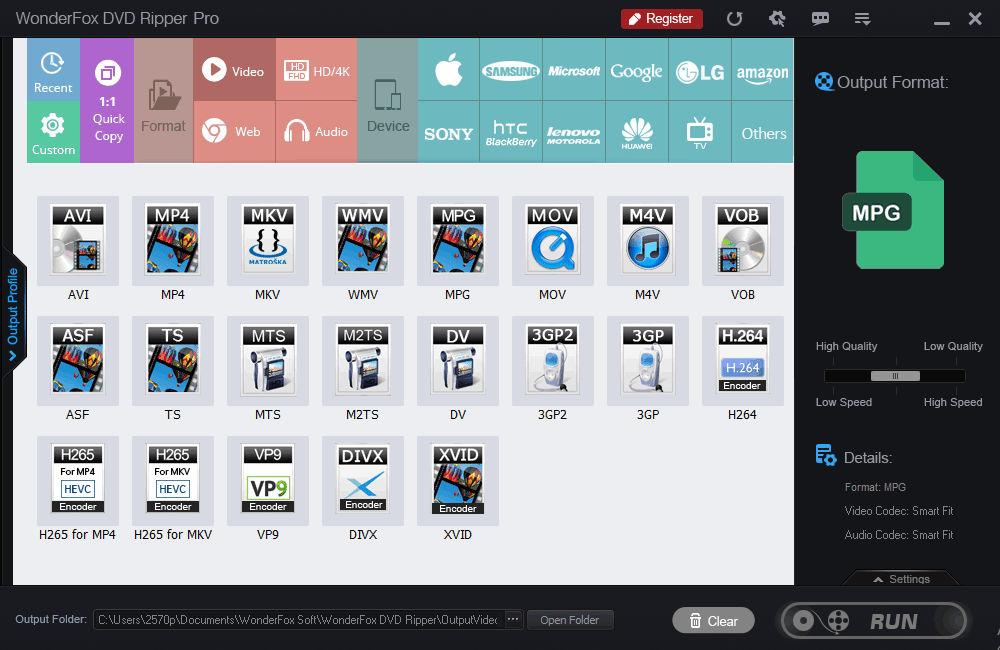
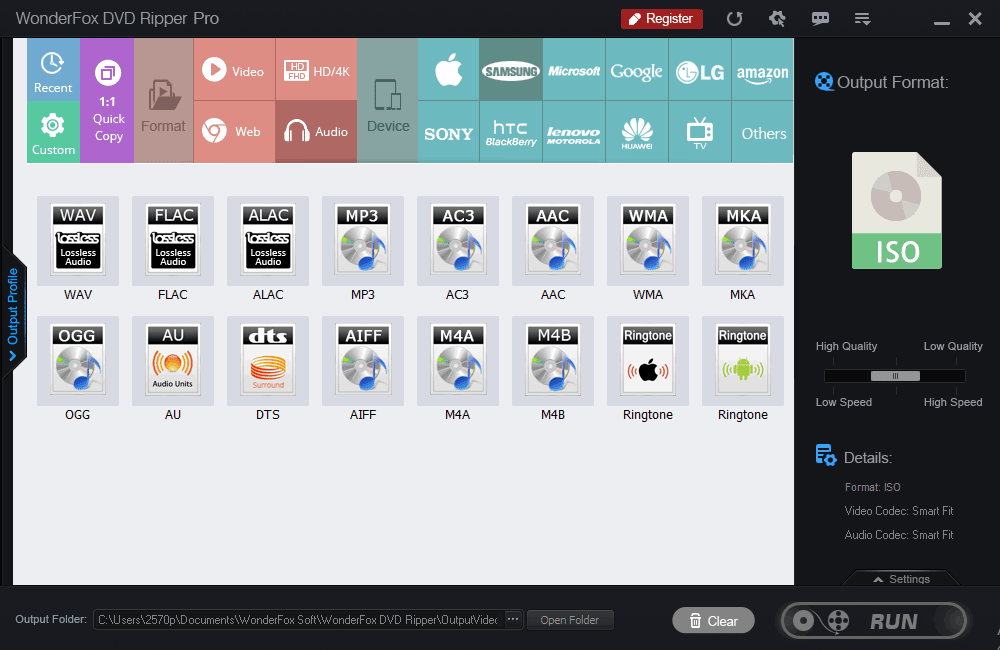
After choosing a DVD source from a disc, ISO image, or a DVD folder, you can choose the output format. This is what really sets WonderFox apart from its competition. Besides the usual video, web, and audio formats, you can actually choose the device you intend to play the media on. It covers almost all possible devices, and the software automatically adjusts the needed settings.File management and decryption
It's not the fastest DVD ripping software, but you have the ability to manage the output file size. Ripping a 7.5 GB DVD movie can shrink its size to 1-2 GB of digital video. Even though commercial DVDs are copy-protected, WonderFox can bypass these encryptions without you even being aware of it.Customization options
You can also customize the media you are ripping by removing unwanted parts, cropping the frames, or adjusting settings such as frame rate, bitrate, and resolution. It's quite easy to get around the tool even if you haven't used a similar program before.